Judgify is a cloud-based platform designed to help organisations manage awards, competitions, contests, nominations, abstracts, grants, and judging programmes in one place. It allows organisers to collect submissions, manage review processes, invite judges, score entries, and publish results efficiently.
To begin, visit Judgify to create an account or log in to the platform. ✅✨
From the top menu, choose:
Creating a New Account
- Click Sign Up.
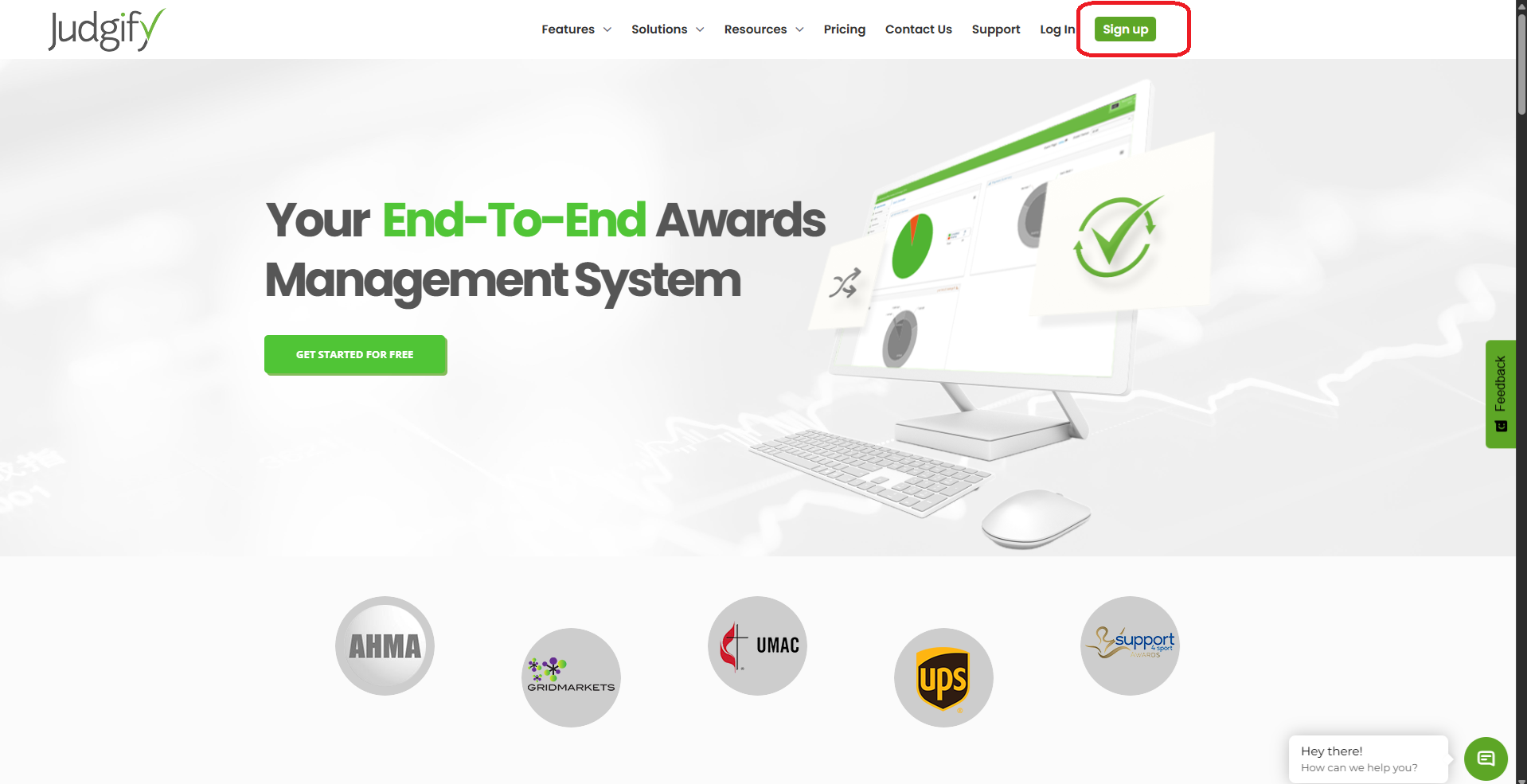
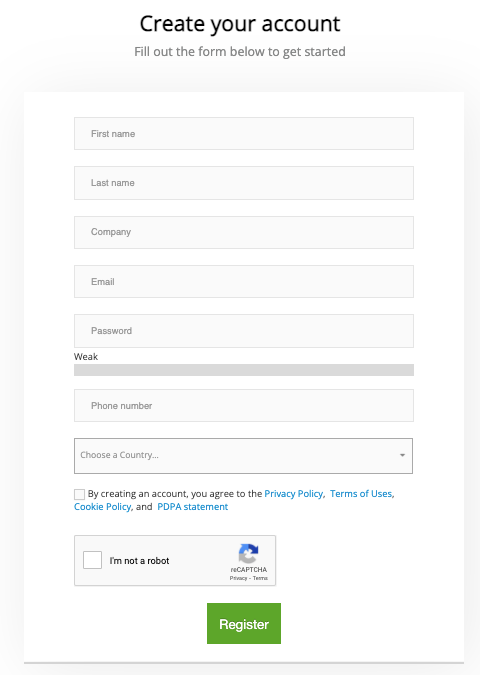
A new user registration form will appear.
Complete the required fields:
First Name
Last Name
Email Address
Password
Phone Number
Country
Then:
Accept the Privacy Policy, Terms of Use, Cookie Policy, and PDPA statement
Complete the CAPTCHA verification
Click Register to create your account.
Logging In
If you already have an account, click Login.
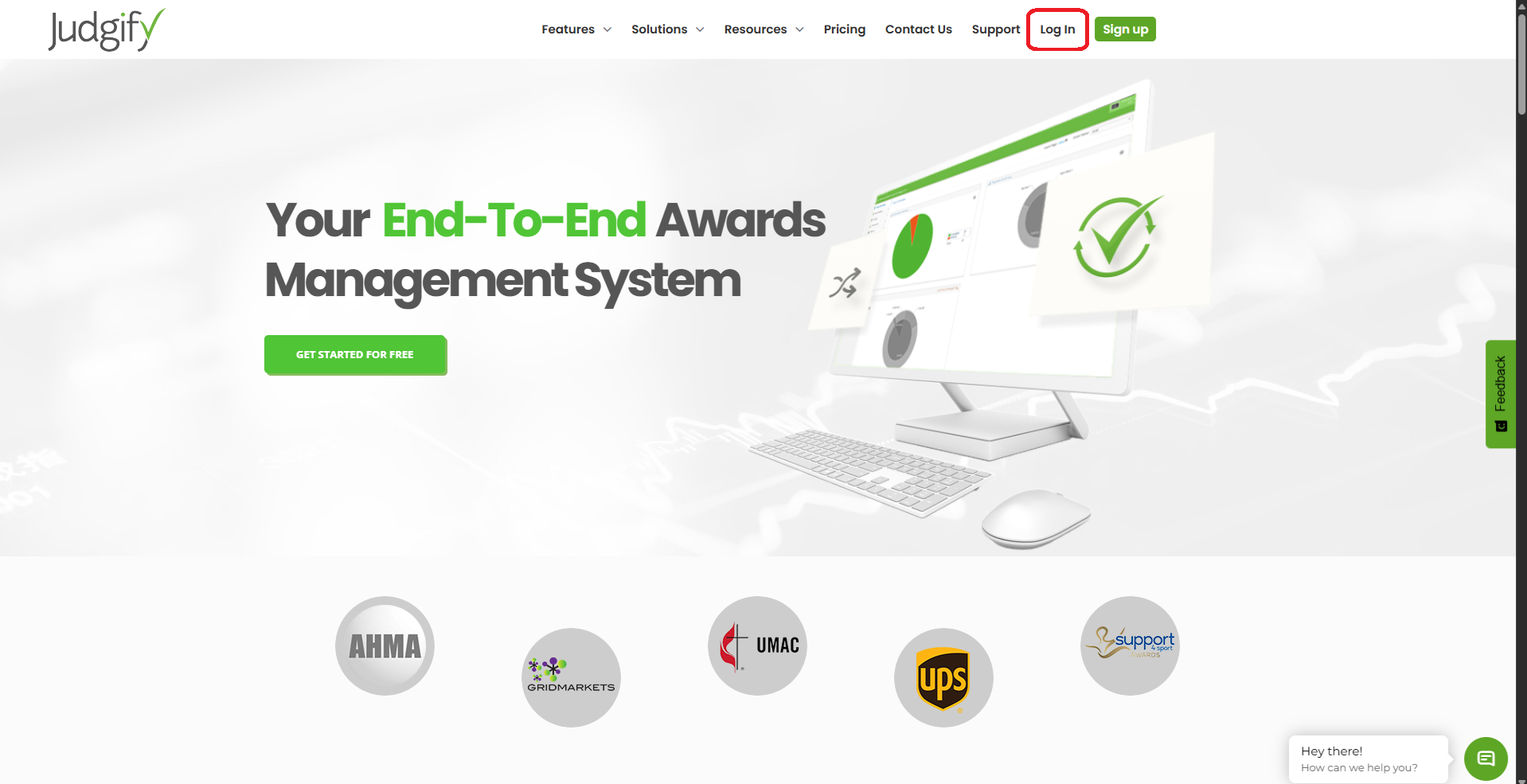
Enter your registered email address and password, then click Sign In.

If you cannot remember your password, click Forgot Password? on the login page, enter your registered email address, and click Send Me to receive password reset instructions by email. ✨

Was this article helpful?
That’s Great!
Thank you for your feedback
Sorry! We couldn't be helpful
Thank you for your feedback
Feedback sent
We appreciate your effort and will try to fix the article